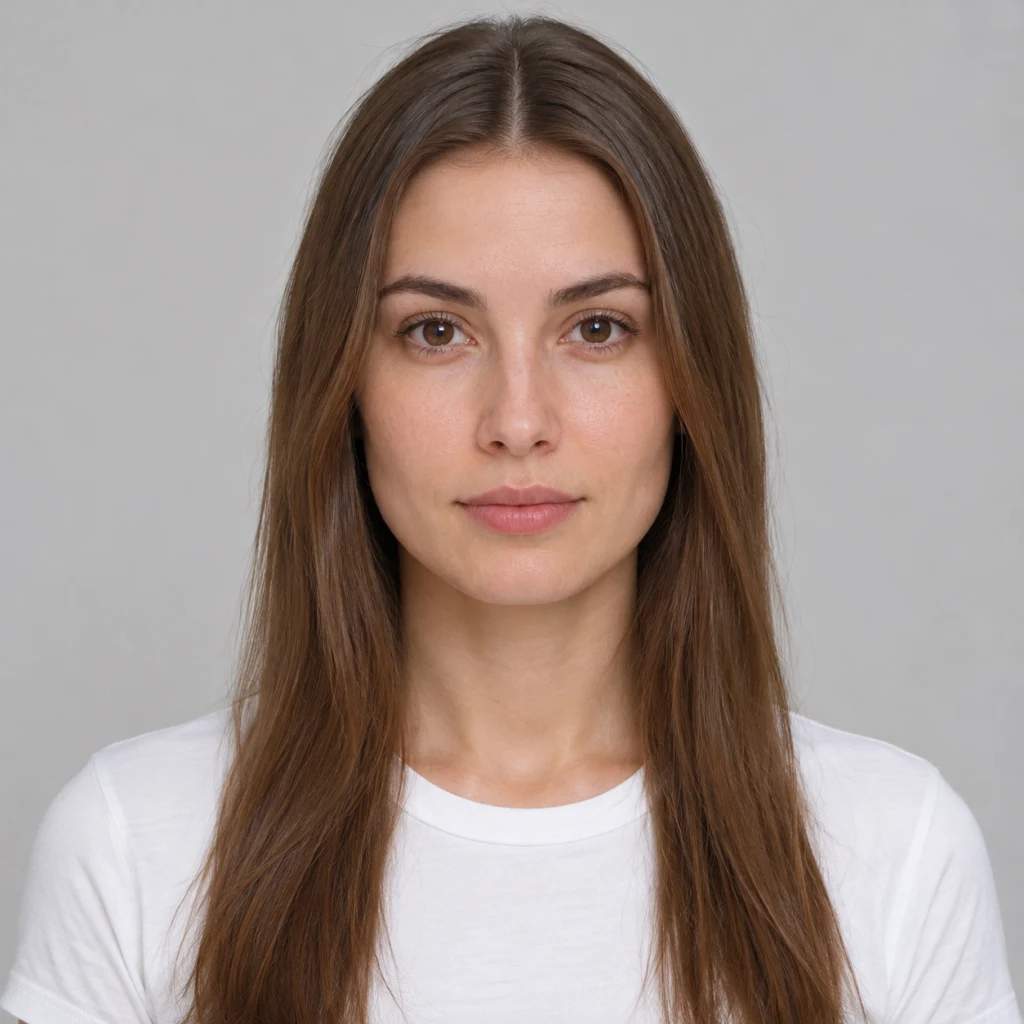
Bangs Filter: See Yourself with Bangs
A little change.A new mood.
Try on bangs using your own photo. Compare the result with your original and save a reference for your next haircut.
Your photo
JPG or PNG · Up to 5 MB
Photo tips
- Face the camera, with your whole head in view.
- Use even light and keep hair away from your forehead.
- Choose a single-person photo without filters.
Choose your hairstyle
Create your image
Each successful image uses 1 credit. A new style or another generation uses another credit.
Connecting to the photo service…
Uploaded photos and generated results expire after 24 hours. Save any result you want to keep.
Style example
AI-generated example
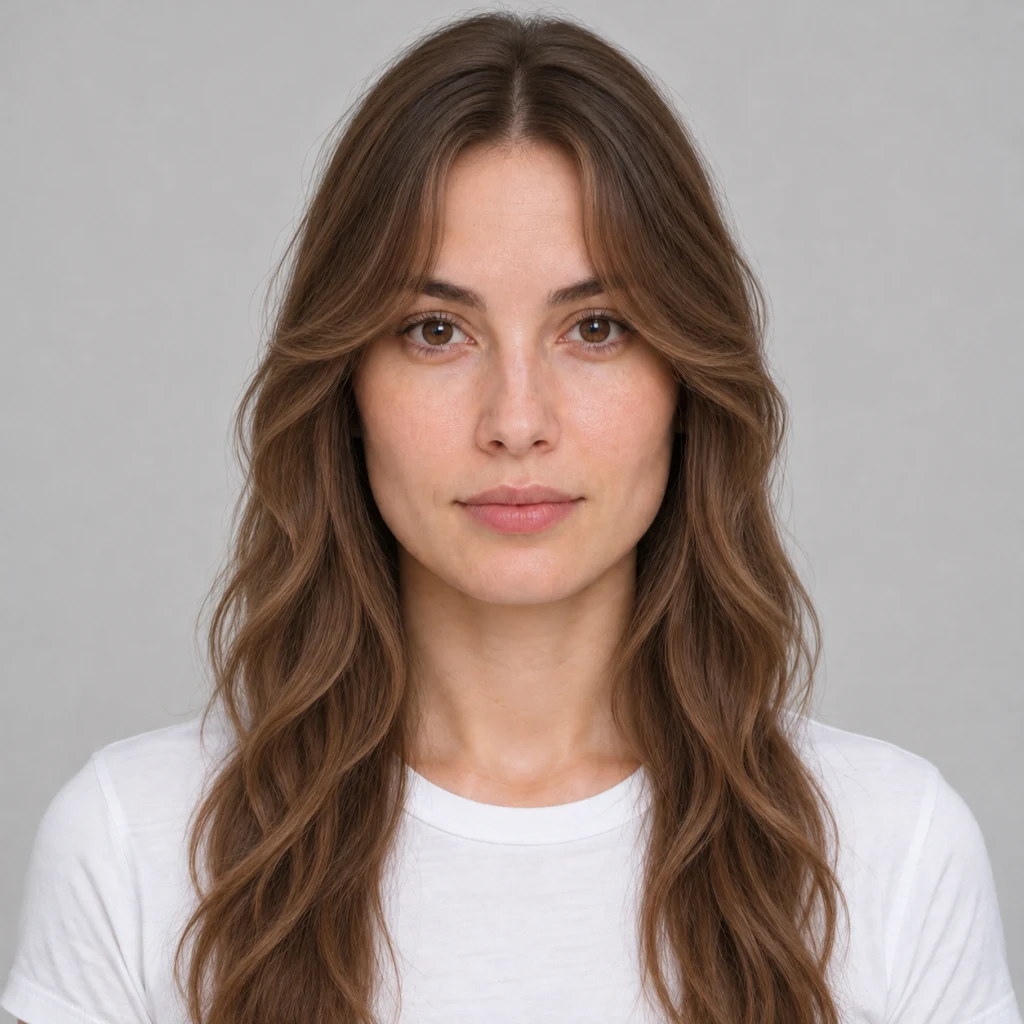
Choose this look or mix your own cut, bangs and texture.
Your bangs filter image, ready to download
One successfully generated hairstyle image, ready to download. Each new style or another generated version uses another credit when it succeeds.
Compare that image with your original for free, or combine your original with up to two existing results into one reference image. Repeat downloads are free. Photos and results expire after 24 hours, so save what you want to keep.
Bangs filter questions
What would I look like with bangs?
A bangs simulator uses your photo to help you compare a new fringe with your current look. Use it to choose a direction to discuss, rather than expecting an exact prediction of your haircut.
How much does a bangs filter image cost?
The one-time packs are $2.99 for 10 successful images or $7.99 for 30. There is no subscription or free AI generation. Comparing, repeat downloads and making a reference image use no extra credits.
Can I change the haircut as well as the bangs?
Cut, bangs and texture are separate choices. Keep the current cut and texture for a bangs-only change. If a combination is unavailable, the selector will let you know before you generate.
Will it tell me which haircut suits me best?
You choose the look to explore; the tool doesn’t rank your appearance or choose a haircut for you. A stylist can help you discuss how your natural texture, growth patterns and routine affect the real cut.
How long are my photos available?
Uploaded photos and results are private and expire after 24 hours. Download anything you want to keep before the expiry time shown with your files.
How do I add bangs to a photo?
Choose a clear front-facing photo, select the bangs you want and review the combination. Keep your current cut and texture for a bangs-only change. Each successful generated image uses one credit and is ready to download. Comparing it with your original or making a reference image is free.